The Pavilion
Part 1
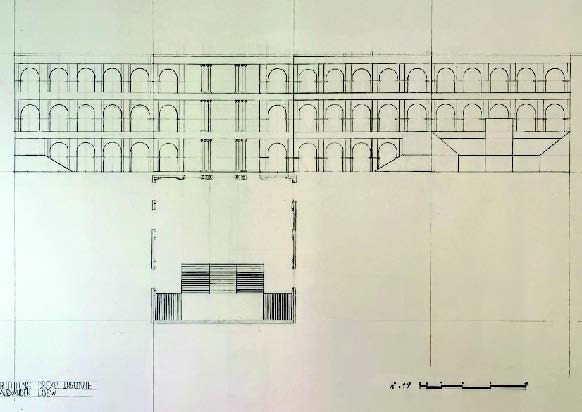
The Pavilion project included the design for an extension of the Drexel Institute building. The first step of the project began with an abstract design of a single structure drafted at an 18×24 inch limited detailed interior elevation. The bricks of the building are scaled to 1/8 measurement.
Part 2
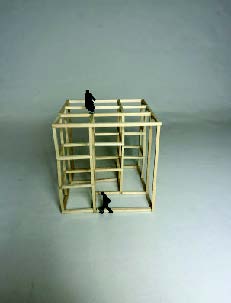
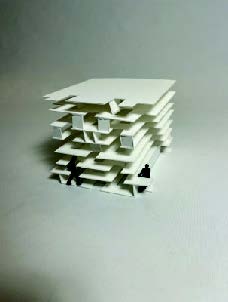
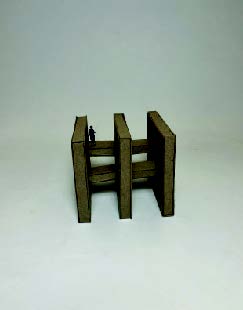
The second part shows the breakdown of the main building into abstract concepts as shown in the mod-els alignmen, rhythm and threshold. The alignment model represents the building as a warped grid. The rhythm model represents movement throughout the layout.The threshold model represents movement through different space with constraints.
Rendering in 9×9 inch grid space
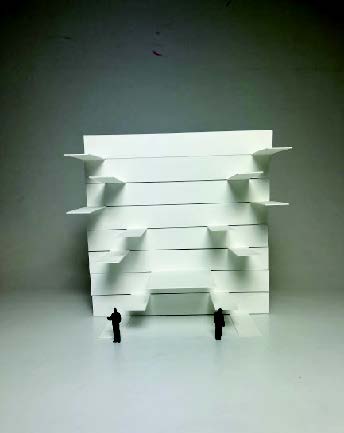
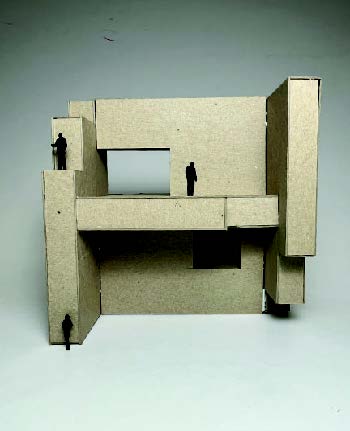
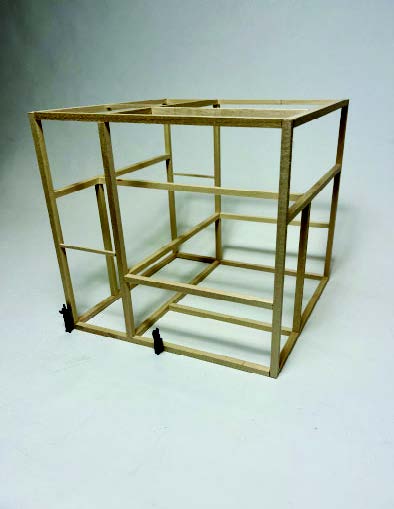
Combination Models
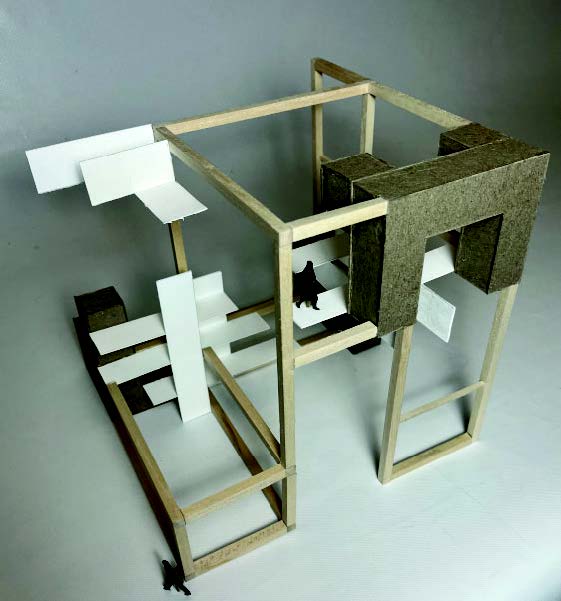
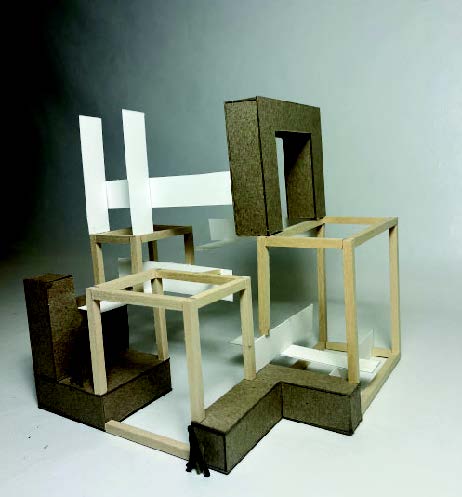
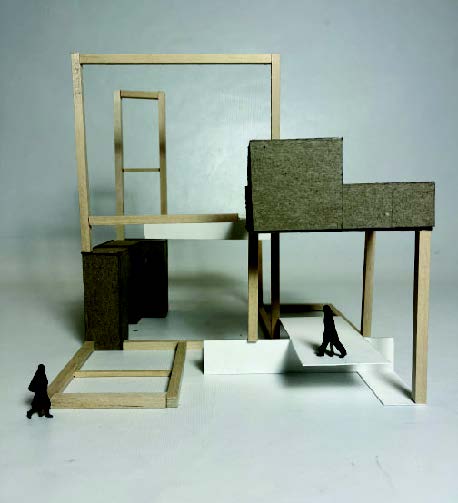
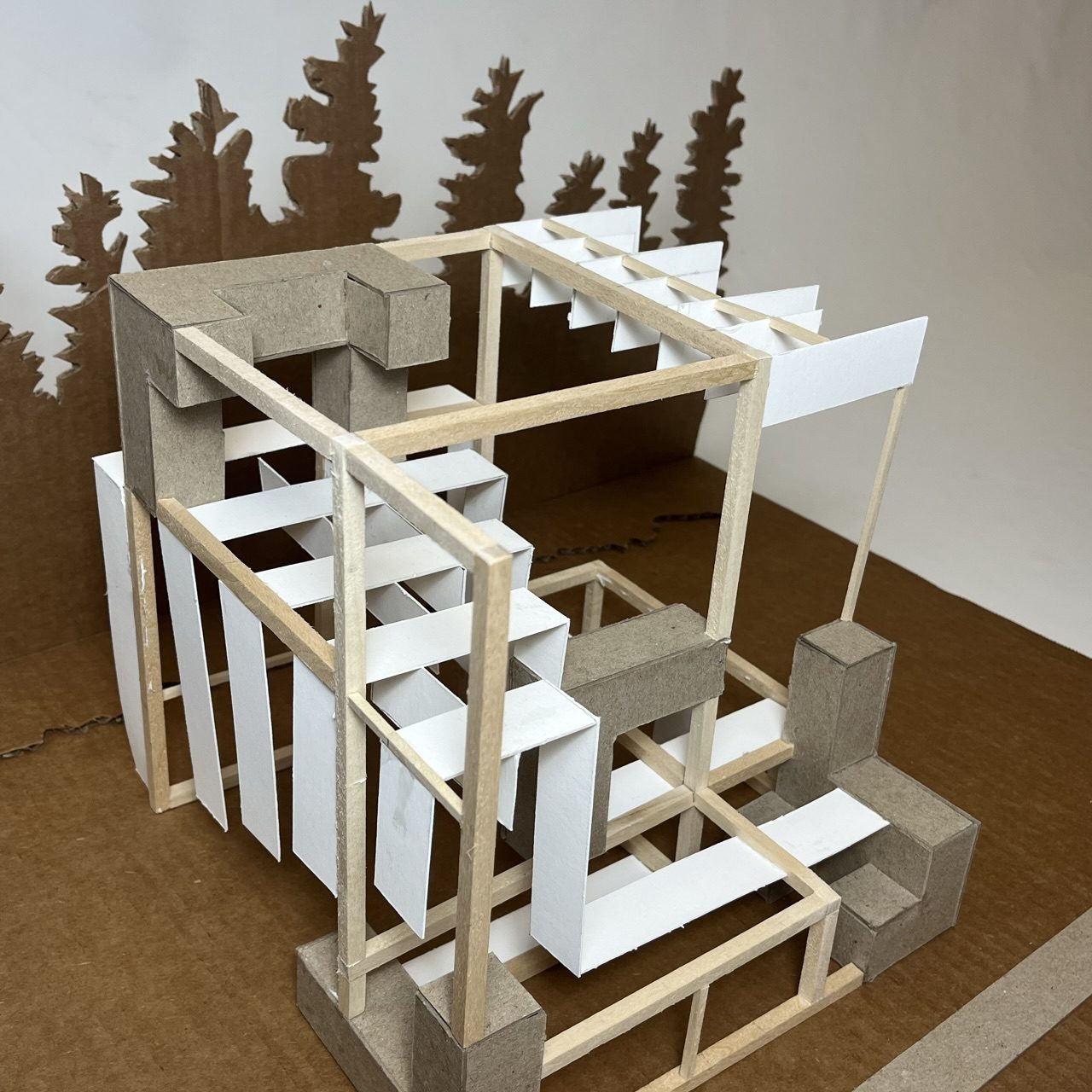
The Pavilion Model
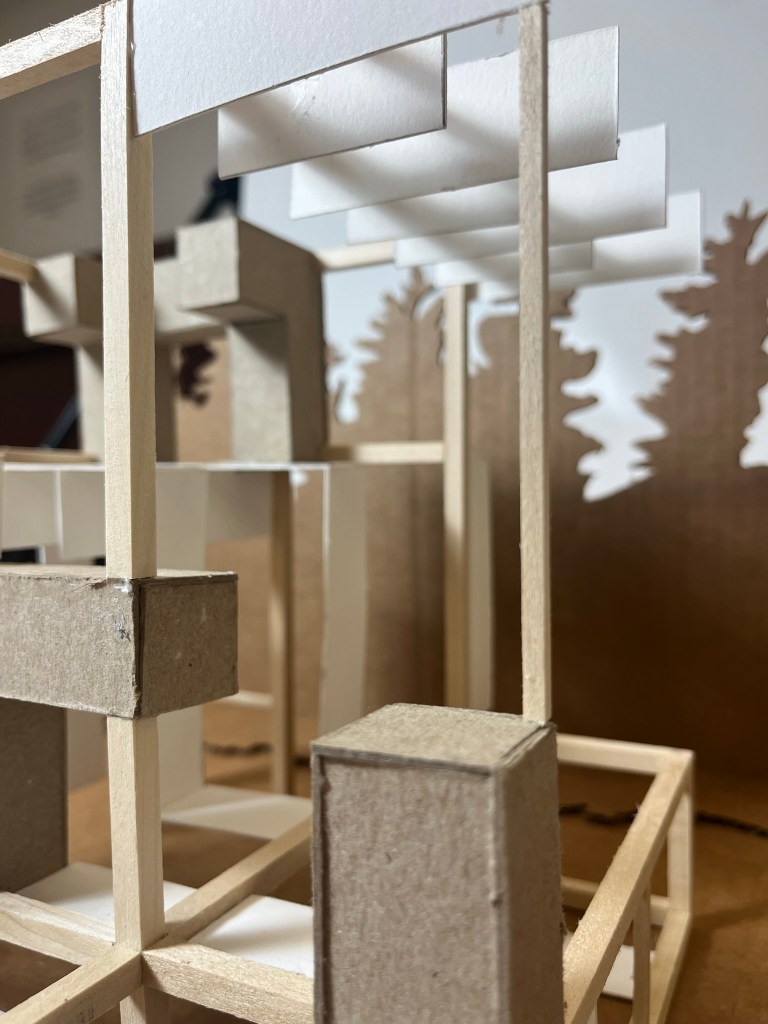
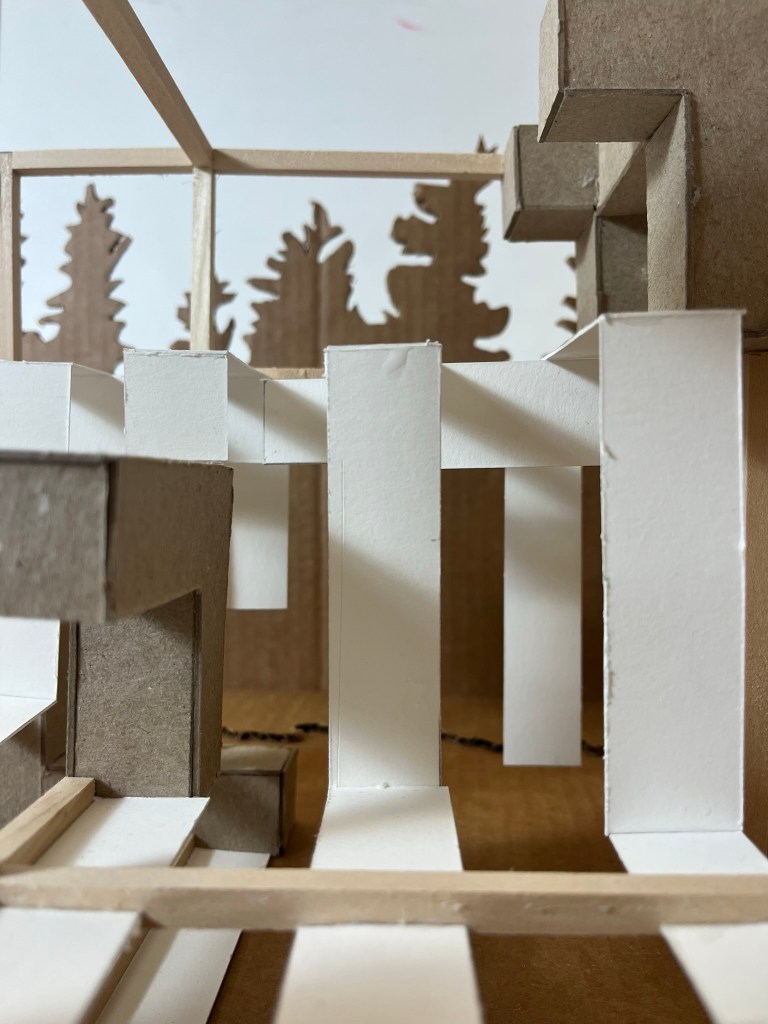
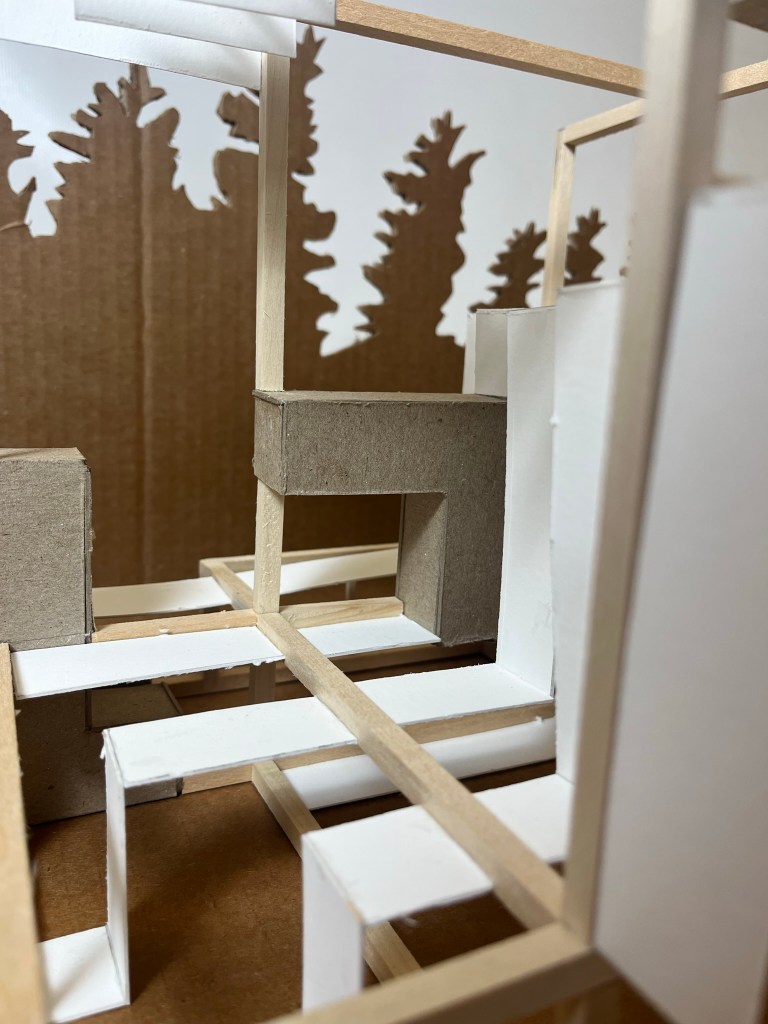
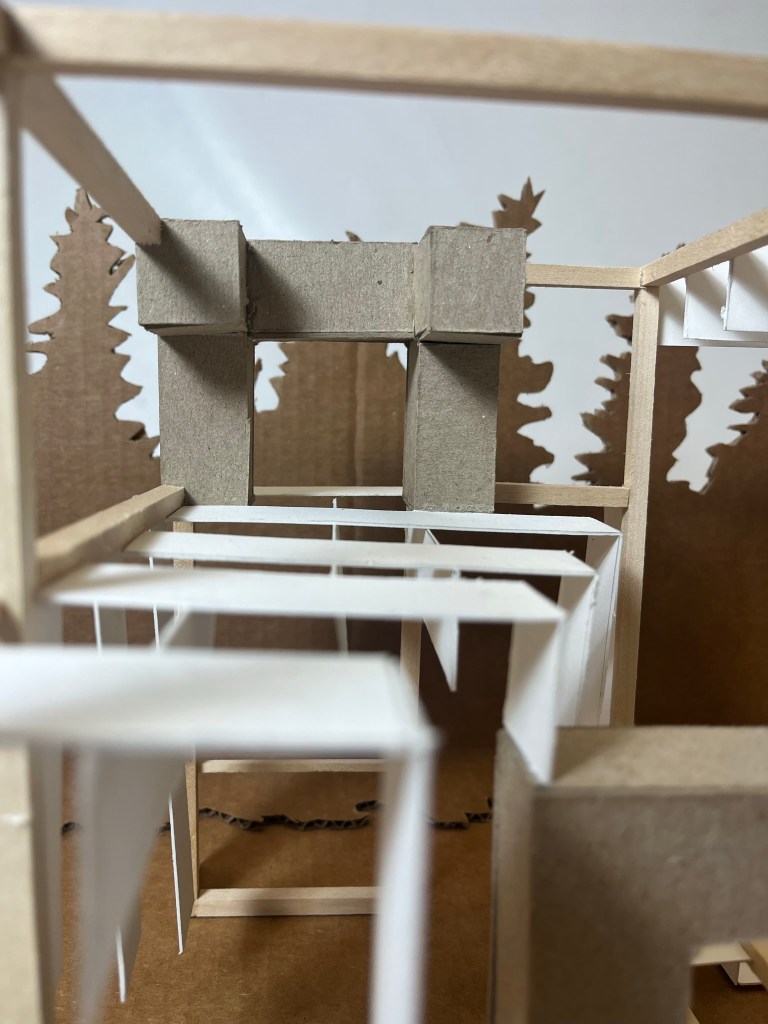
The final model was constructed as a pavilion structure, incorporating he different concepts of the main building. Combining alignment for the structural integrity, rhythm for the movement and access to space and platform as the threshold to represent the different areas of the Pavilion.
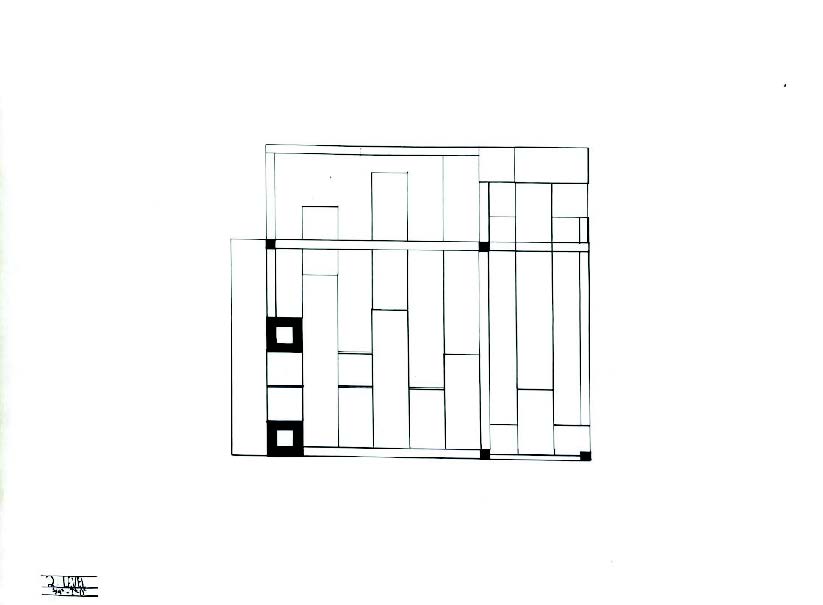
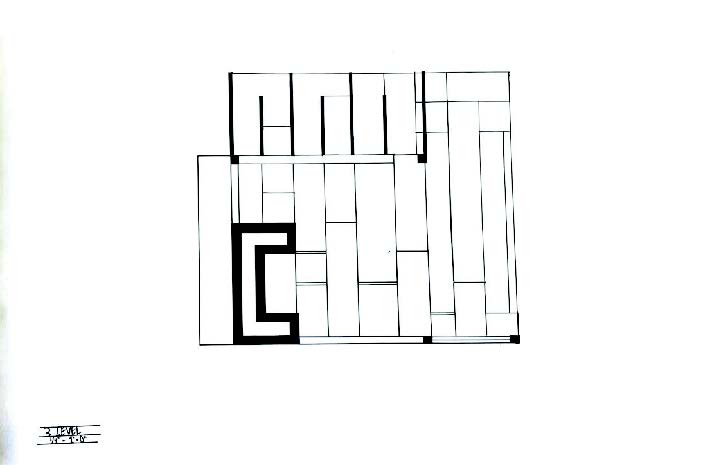
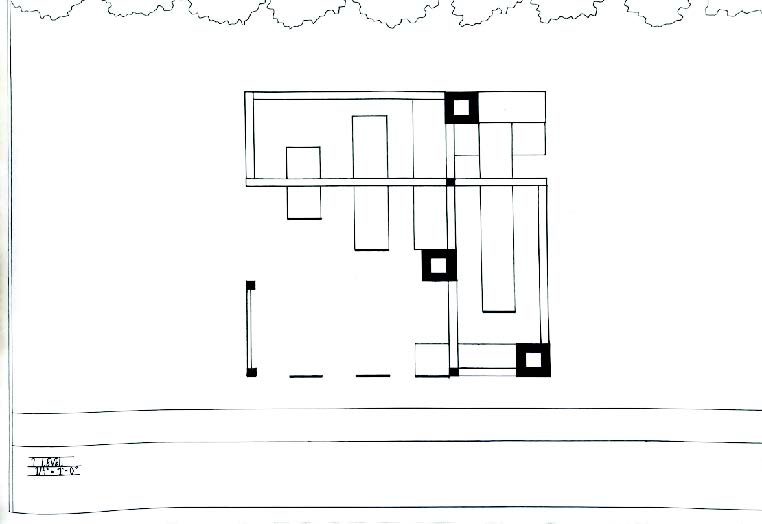
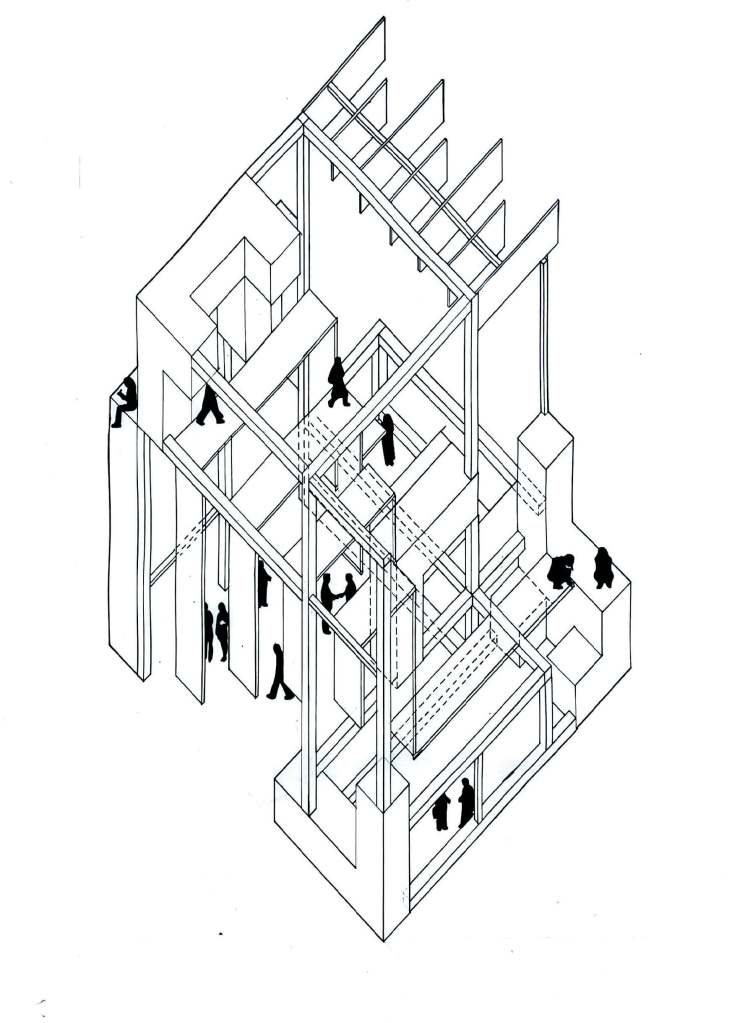
Axion of Pavilion
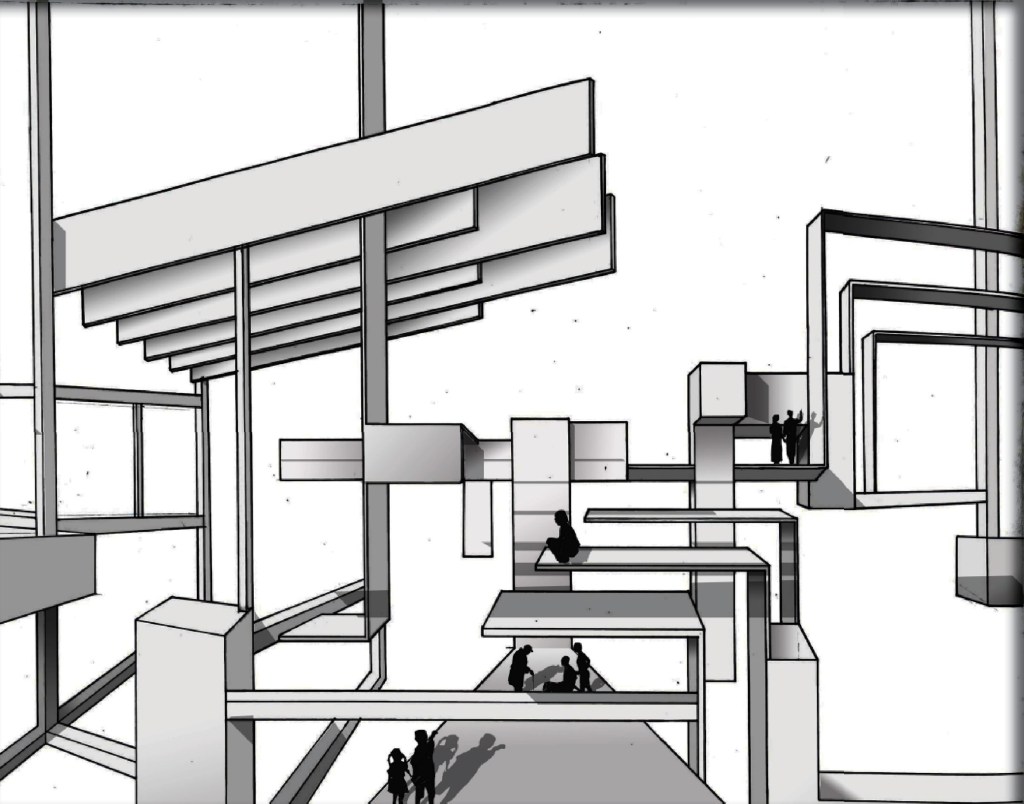
The third step of the project was to illustrate how people could interact with the space and to validate how it serves its purpose, as intended. This perspective is portrayed with the Axon view of the model at a 45-degree angle and includes scaled figures.
Episodic “Wizard of Oz”
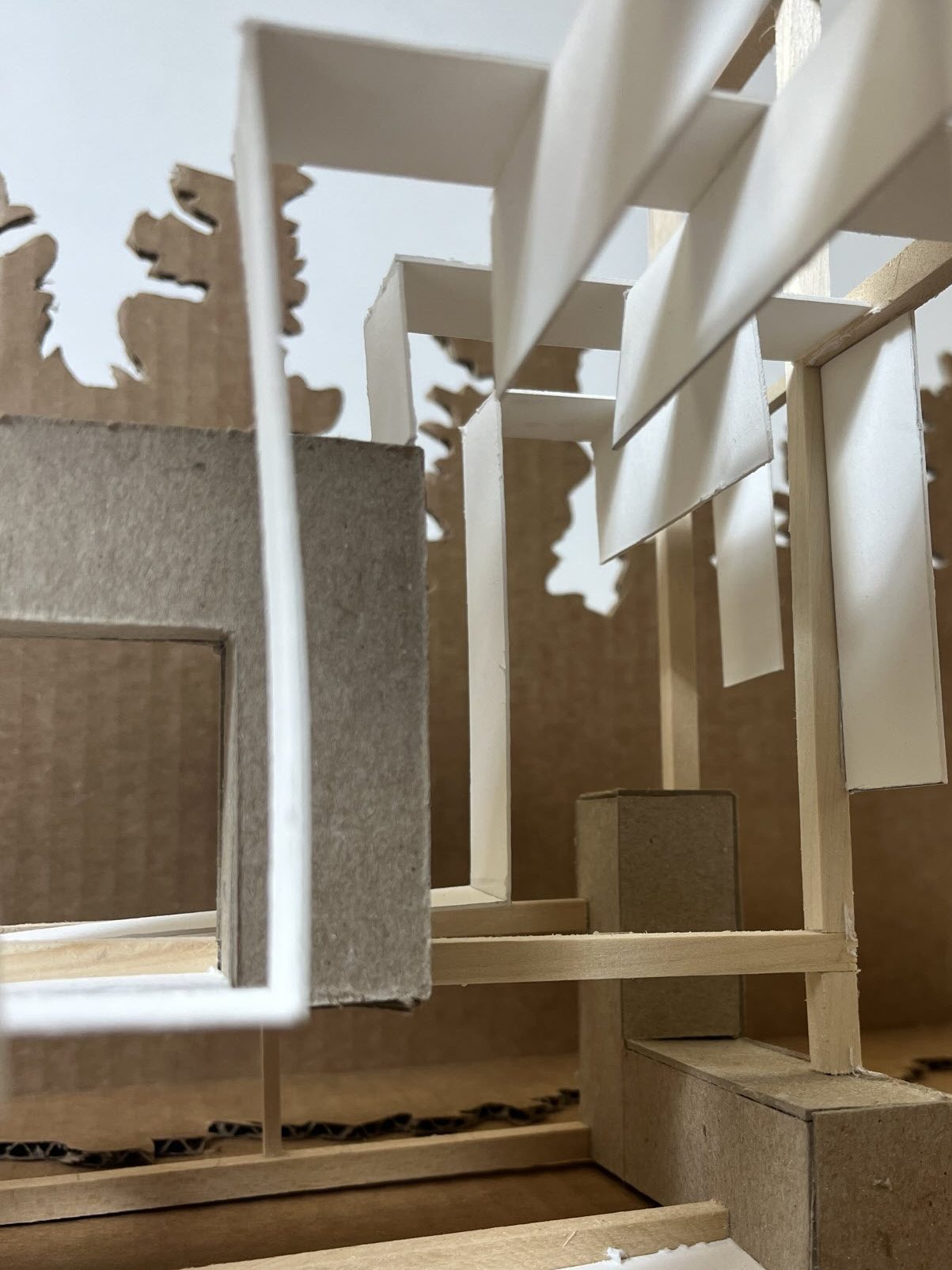
Using the interior photos of the final model, the next step was to create an episodic. By aligning photos with the point perspective. Developing the space and form that flowed from the left side all the way across. To help create a sense of depth, photoshop was used to render and successfully shadow and lighten areas.
+1-202-288-9884 | alexandergloew@gmail.com
 Alexander Loew